P3X
Trust It



0.00
Please take me as a joke so I can prove what joke I am
AeroInsta
Download link: AeroInsta V24.0.0(Not working currently will be updated soon)
Step 1: Allow unknown installation from Chrome or any browser you use
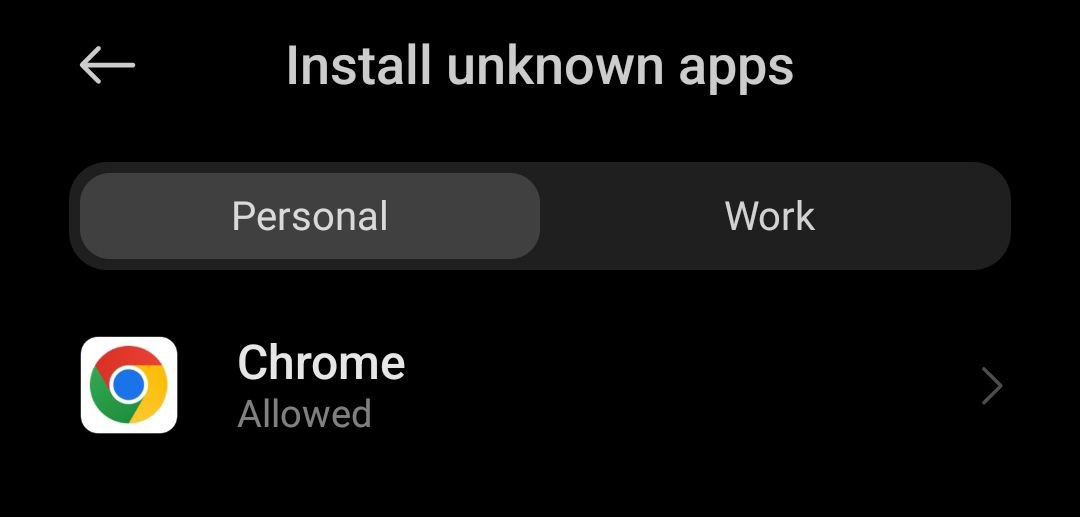
Step 2: Now click on the download link and then you will be redirected on a page and then click on the blue button named AeroInsta
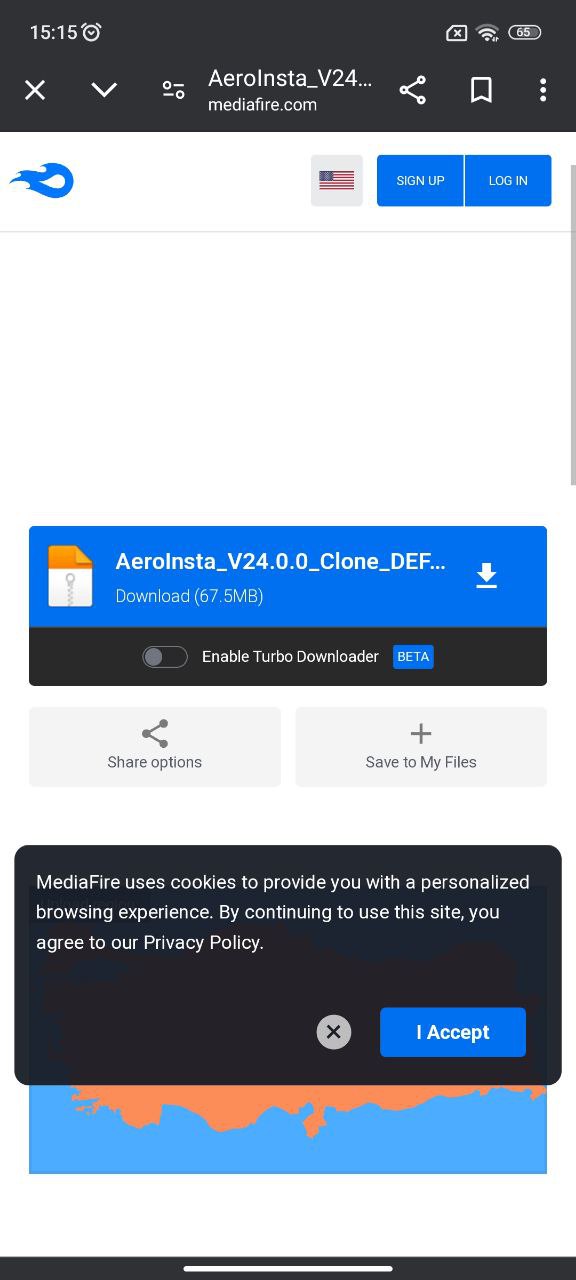
Step 3: Now install it and login your Instagram account
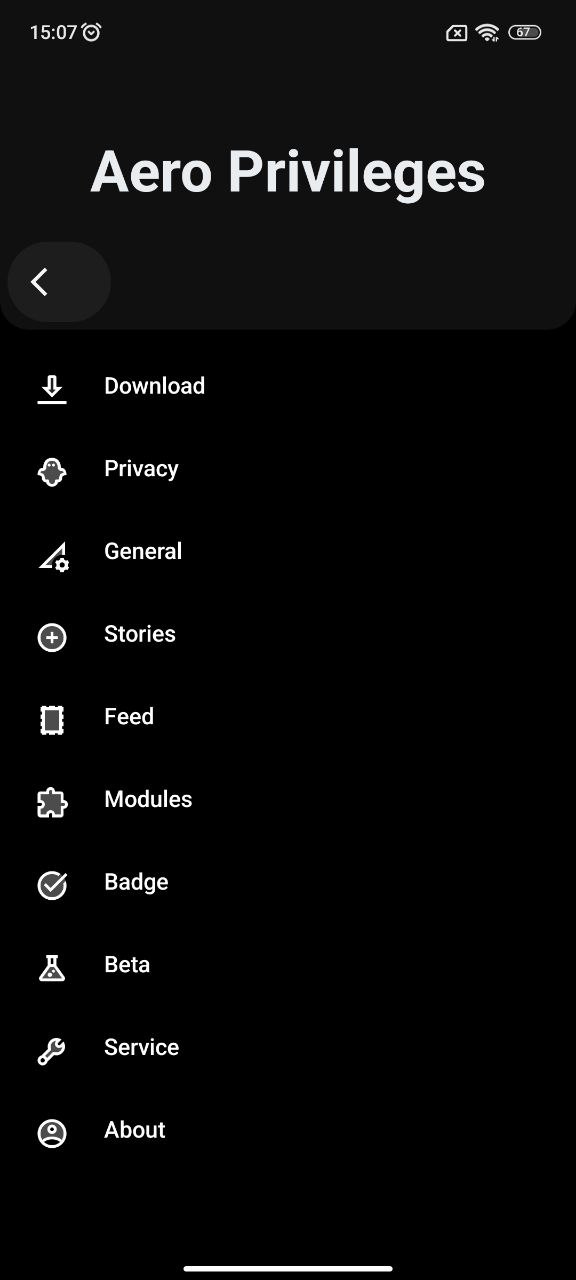
Step 4: Now click on the button shown in the image

Step 5: The installation is complete, now just set up the tweaks/mod in your app as per your needs
InstaKilloGram
Download link: InstaKilloGram(Not working currently will be updated soon)
Step 1: Download the mod from Google Drive
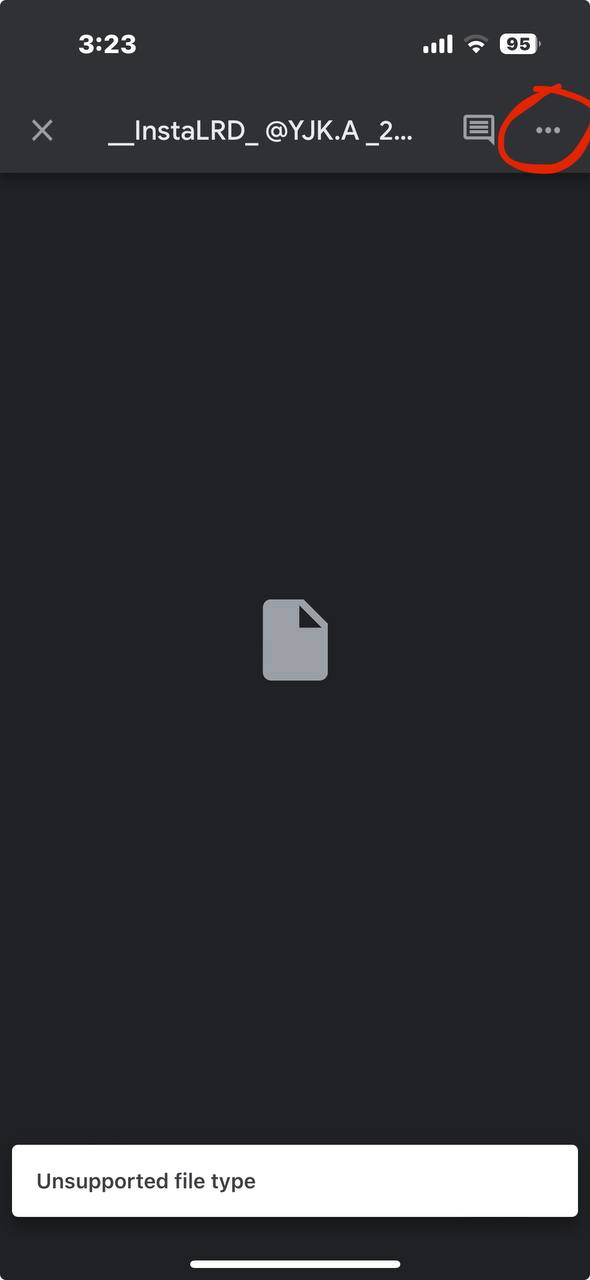
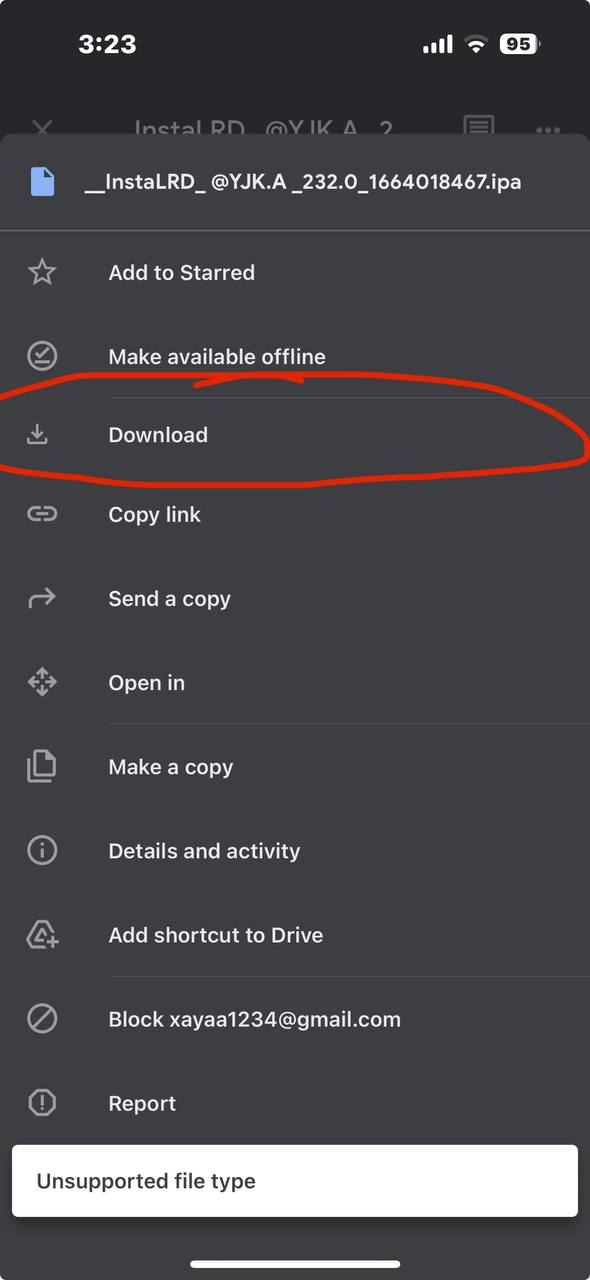
Now save it to files
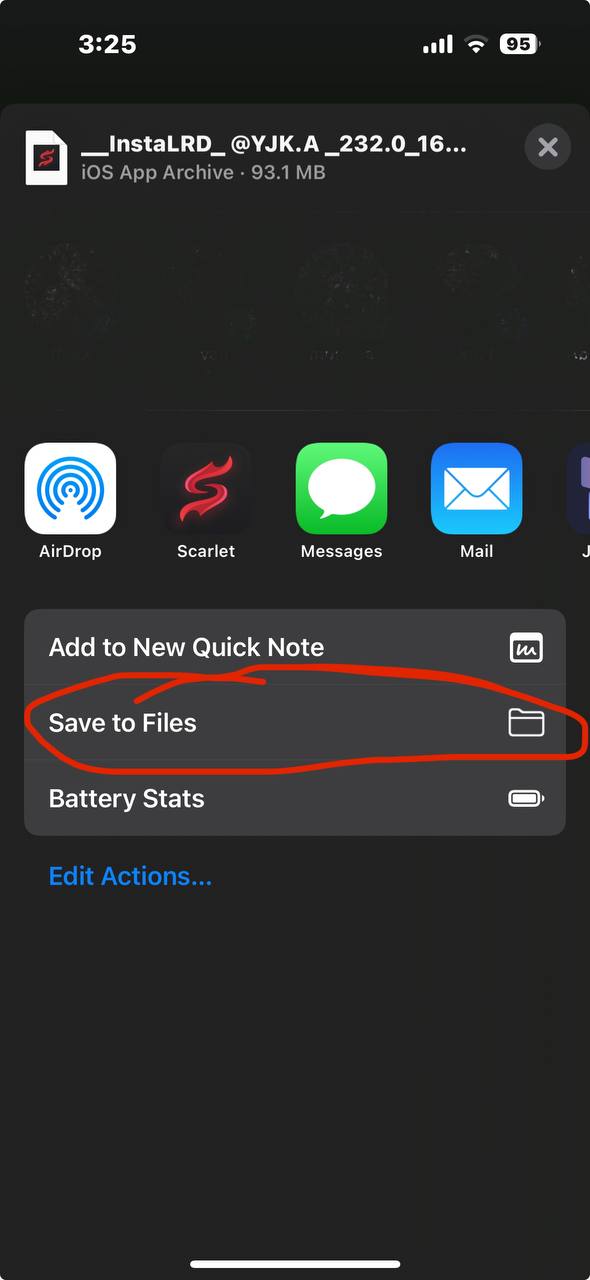
Step 2: Open any sideloader app. In my case, I'm using Scarlett to sideload. I would recommend using Scarlett too.
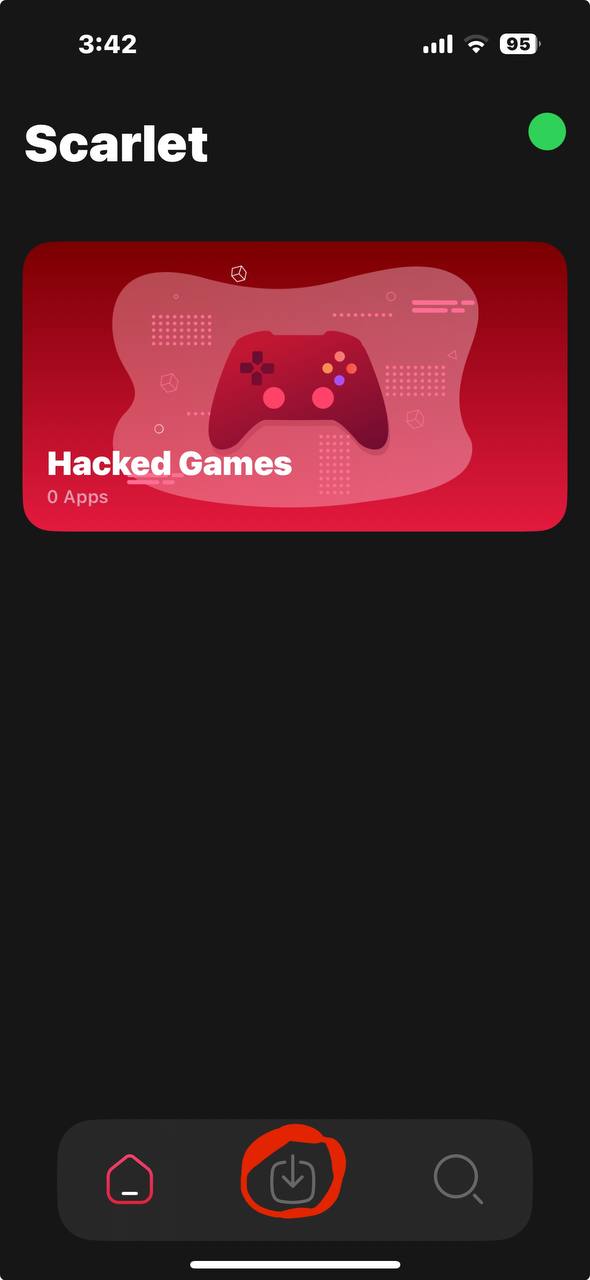
Open Scarlett
Now click on the button in between as shown in the screenshot
Then click on the button highlighted in this screenshot
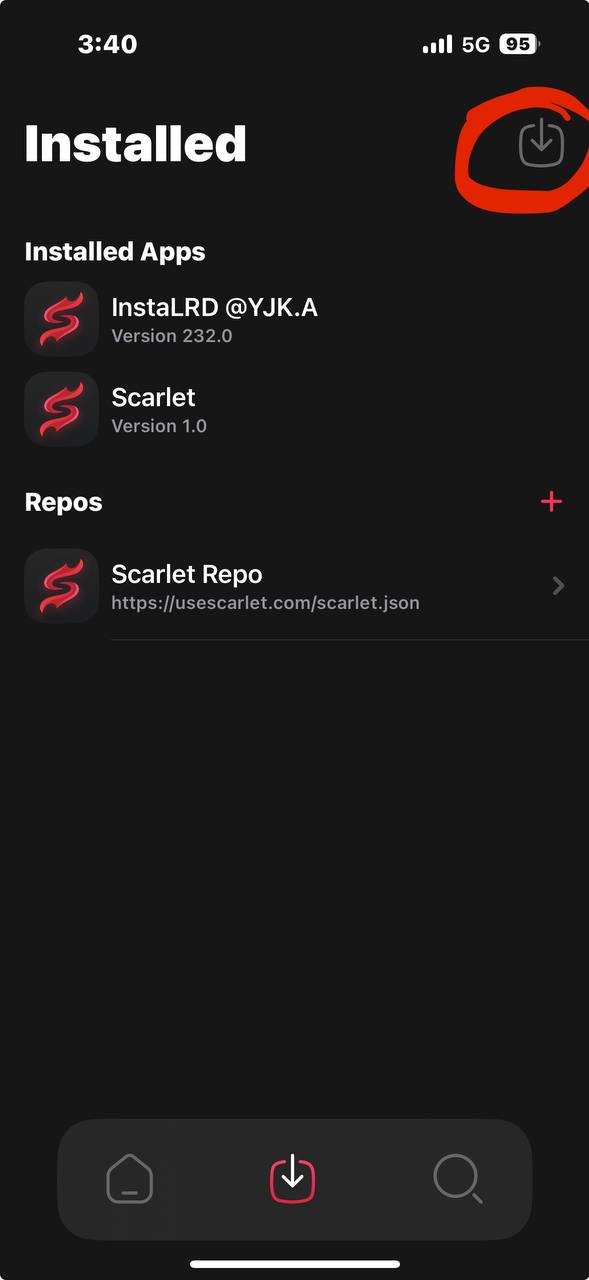
Step 3: Choose the IPA you want to install
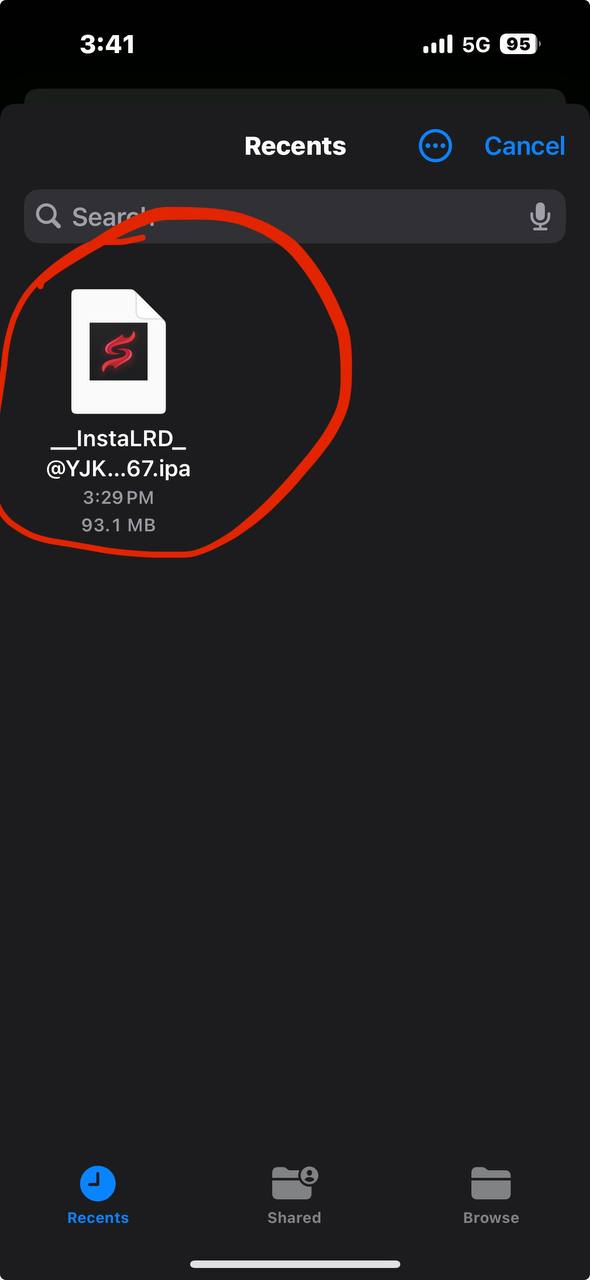
Step 4: A screen like this will appear
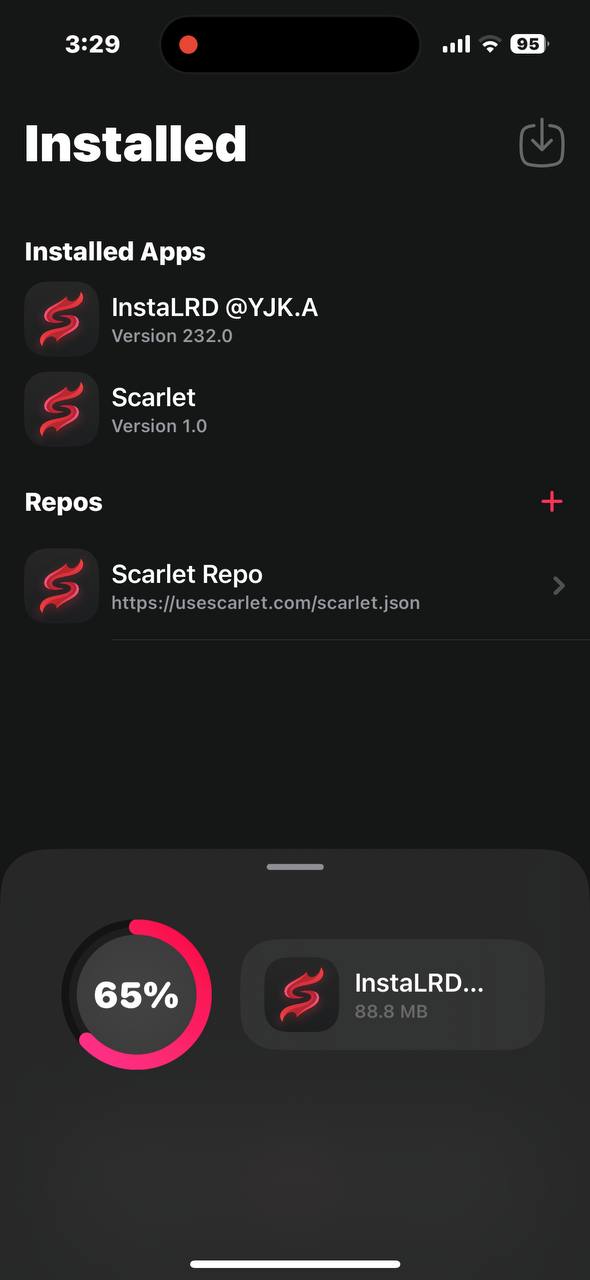
After it disappears, a message will pop up saying this
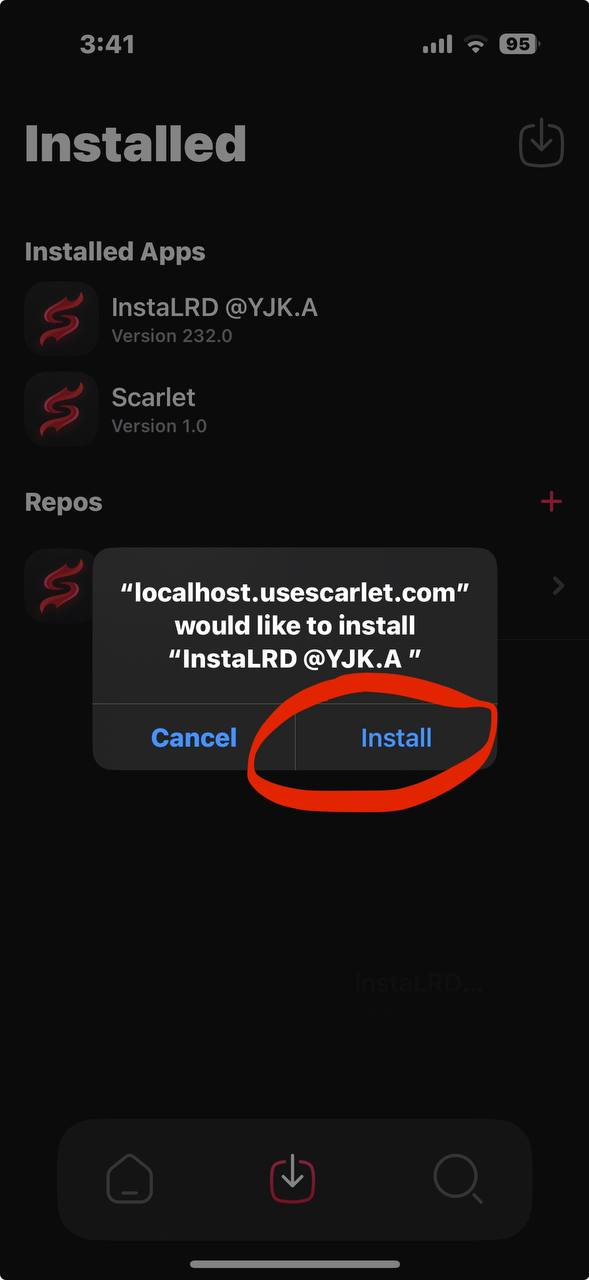
Click on install
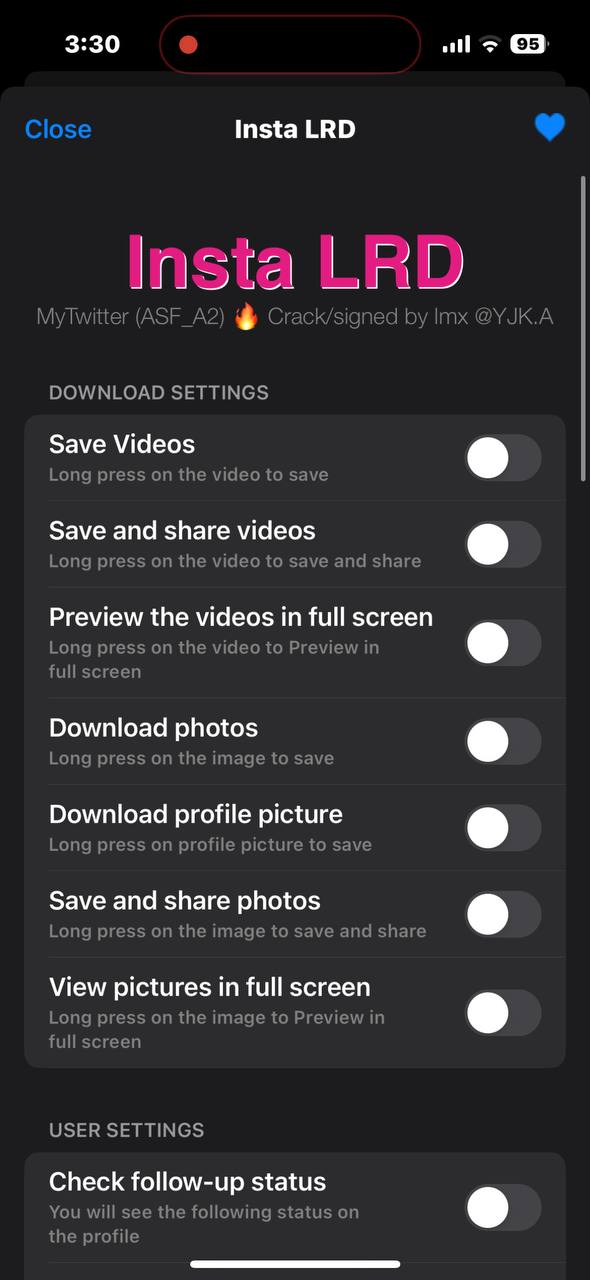
Step 5: Login your Instagram account and click on the settings button
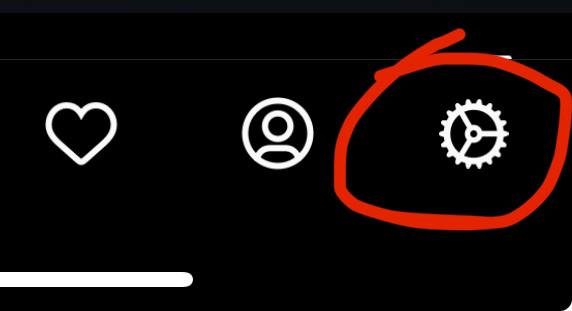
And choose whatever setting is required as per your work
Video tutorial for installing Scarlett: Watch here
Video tutorial for installing apps using Scarlett: Watch here